Blog
LEDVANCE joins Works with Home Assistant

Prepare to be dazzled, because this month LEDVANCE join the Works with Home Assistant program as our newest partners 🎉 And what’s more, they bring a huge lineup of certified devices (116, to be exact!) to our community, which means plenty of new ways to light up your home 💡
Read on →2026.10: You are here 📍
 Franck Nijhof
Home Assistant 2026.10! 🎉
Last week, Nabu Casa dropped: Big Tech ruined the cloud, so we’re renaming ours. Home Assistant Cloud is on its way to becoming Home Assistant Link. Same service, new name. I love that title, by the way. If you haven’t read the story behind it yet, go have a look, and tell us what you think. The change is planned for the December release, so there is still time. 🏎️
Now, I’ll let you in on a secret: I’m an automation person. Dashboards are lovely and I admire everyone who builds a pretty one, but for me, automationsAutomations in Home Assistant allow you to automatically respond to things that happen in and around your home. [Learn more] are what make a smart home actually smart. So you can imagine how happy I am with what’s in this release. One of the most powerful features you never thought you’d need has been sitting in Home Assistant for years: trigger IDs. Give your triggersA trigger is the part of an automation that makes the automation start when something specific happens, for example, when the sun sets, a door opens, or a button is pressed. [Learn more] an ID, and one automation can do the job of two, three, or five. It was also tucked away in a menu, you had to invent the IDs yourself, and then remember which was which. Plenty of you never found it, and that’s on us.
Not anymore. Trigger IDs finally get a proper UI: you check the triggers you want in the condition, and Home Assistant takes care of the IDs behind the scenes. And if you like writing your own IDs in YAMLYAML is a human-readable data serialization language. It is used to store and transmit data in a structured format. In Home Assistant, YAML is used for configuration, for example in the configuration.yaml or automations.yaml files. [Learn more], nothing changes. Those keep working exactly as before. That makes it my favorite of this release. 🧠
Don’t get me wrong, the map is absolutely a cool feature too. Last release, every map in Home Assistant broke overnight when our map provider wanted an API key. We moved to OpenStreetMap, and it turns out that swapping out the map opens a lot of doors: a vector map that stays sharp at every zoom level, redesigned markers, and an overview of where everyone has been. You are here. 📍
There’s more: a tidier profile page, a panel for your Modbus connections, connecting your AI in one click, and 15 new integrationsIntegrations connect and integrate Home Assistant with your devices, services, and more. [Learn more]! 🚀
Enjoy the release!
../Frenck
Read on →Big Tech ruined the cloud, so we’re renaming ours
 Carl Albertsson
From ever-increasing subscription prices to outages and data harvesting: we don’t like what the cloud has come to represent. So we’re redefining what an online service should be: private, optional, and free from lock-in or walled gardens.
Read on →2026.9: There's room on this bus
Home Assistant 2026.9! 🎉
I’ll be honest: Modbus has never been the flashiest part of Home Assistant. It quietly powers solar inverters, heat pumps, and energy meters, but only if you’re comfortable hand-writing your own register map in YAML, a real wall that’s kept a huge category of devices out of reach. This release finally makes room on the bus: integrations that already know how a device talks over Modbus, sharing a single connection instead of fighting over it, so you simply pick your device in the UI like anything else in Home Assistant. It won’t show up in a screenshot, but modernizing Modbus is hands-down my favorite change this release. 🔧
I’m also really looking forward to jumping on the new Cloud voice processing myself and putting it through its paces. We’re a household with a non-English main language, and if you’ve ever run a private voice assistant in one, you know exactly how fast accents and background noise trip things up. This new speech-to-text engine specifically targets those pain points, so I’m very curious to see how it holds up against my own accent. 😉
And there’s plenty more: active alerts and favorites for the Security dashboard, a shared Sources panel for History and Activity, Activity that finally explains why something changed, a brand new network map for Matter, charts you can now navigate by keyboard and sound, and 13 new integrations! 🚀
One more thing before you dive in: we’re at IFA Berlin this weekend! It’s one of the largest consumer electronics expos out there, running September 4 to 8, 2026, and the Open Home Foundation has its own booth in the Smart Home hall: Hall 1.2, stand 1.2-153. If you’re around, come find us and say hi. 👋
Enjoy the release!
../Frenck
Read on →Anonymous and open to all: The Home Assistant survey dataset
 Annika Schulz
Our why as an organization is clear: to fight for privacy, choice, and sustainability for smart homes, and for every person who lives in one. But who does live in them?
In December 2024, we launched the first Home Assistant survey to find out. Our goal was simple: to make Home Assistant more inclusive and approachable by listening directly to the diverse community of people who use it.
In the spirit of building in the open, today we’re thrilled to announce the anonymized results of that survey are now freely available. In this post, we’ll run you through what the survey covered, why and how we’re publishing this data, what the data is not (read: identifiable), how we’re using this information to improve what we do, and opportunities for further understanding and research.
Read on Open Home Foundation →Community Day 2026: Save the date!
 Missy Quarry
You’ve been asking all year, and the wait is over… Mark your calendars, because Community Day 2026 will be held on Saturday, November 7! 🎉
Read on Open Home Foundation →Get ready to start building: The ESPHome Starter Kit is here!
 Paulus Schoutsen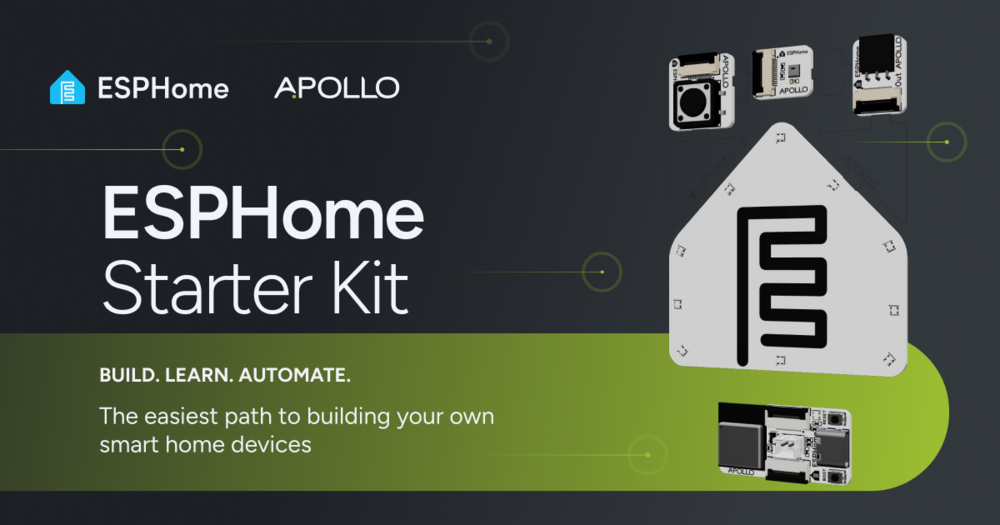
Back in April during State of the Open Home 2026, we gave you a sneak peek of ESPHome’s very first official product… And after months of hard work alongside the community, the ESPHome Starter Kit is here! 🎉
Read on ESPHome →2026.8: Approachable by design
 Ashley Abbott
Don’t forget to join our release party live stream on YouTube on August 5, 2026, at 20:00 GMT / 12:00 PT / 21:00 CET!
 There’s more to look forward to next week: the ESPHome Starter Kit is launching, and you’re invited to the official launch party! 🚀 Join the ESPHome team and their partners at Apollo Automation on the ESPHome YouTube channel on August 12 at 21:00 CEST. Familiar faces are dropping by to celebrate lift-off, too: Reed from Smart Home Solver, Simon from Simon Says Home Assistant, and Gavin from HomeTech.fm.
Home Assistant 2026.8! 🎉
Hi, I’m Ashley, the Technical Program Manager at the Open Home Foundation. With Frenck taking a well-deserved break, Bram and I are teaming up to handle things this time around.
We have been working on a lot over the past few weeks, and I’m excited to share some of what we have done for this release!
If there’s one thread tying this release together, it’s a direction we care about: making Home Assistant something you don’t need to be technical to use. This release is another step along that path.
Enjoy the release!
- Ashley
Read on →A big win for Android interoperability
 Timothy Nibeaudeau
Something big just happened. As the Open Home Foundation’s Android developer for Home Assistant, I was invited by the European Commission to consult on Android interoperability. On July 16, 2026, the Commission adopted a decision requiring Alphabet to open up eleven Android features — including always-on wake word detection, ambient sensor access, and screen automation — to all assistants, on equal terms.
Read on Open Home Foundation →Making our web analytics open source with Plausible
 Darren Griffin
The Open Home Foundation fights for privacy, choice, and sustainability. These principles are at the heart of everything we do, including how we handle website analytics. Our position is clear: we reject tools that track individuals across the web to monetize their data. Instead, we want aggregated, anonymized analytics that show how our websites are performing overall — without identifying who our visitors are, or compromising their privacy.
Read on Open Home Foundation →